
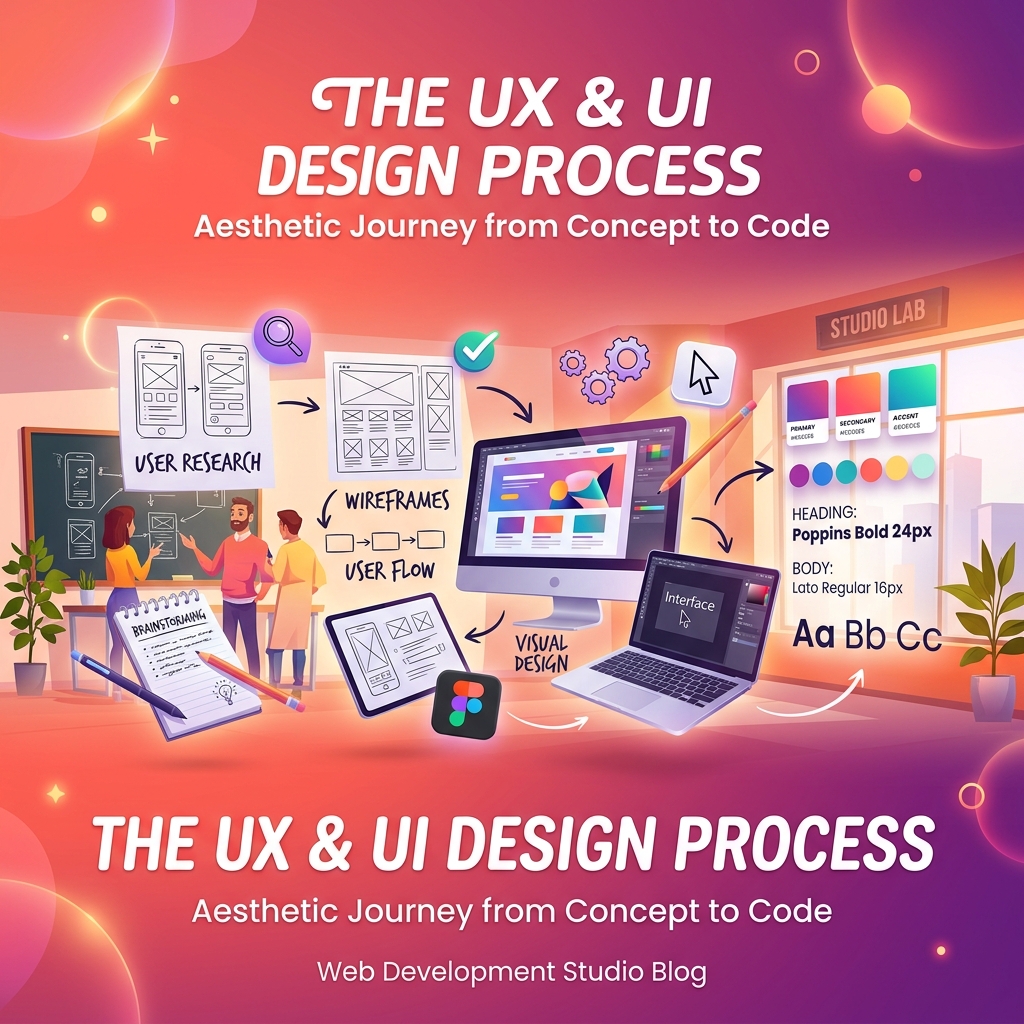
There's a persistent myth in the tech industry that beautiful design and effective design are the same thing. They're related, but distinct.
The Hierarchy of Visual Attention
Eye-tracking studies have consistently shown that users scan pages in predictable patterns, most commonly an F-pattern on text-heavy pages and a Z-pattern on visual or sparse layouts. Designing with these patterns in mind isn't about manipulation — it's about reducing cognitive friction for users who are naturally scanning for what's relevant to them.
Placing your primary call-to-action at natural scan endpoints, using size and contrast to create unambiguous visual hierarchy, and eliminating decorative elements that compete for attention with functional content are among the highest-ROI design interventions we apply to existing products.
Form Design and Conversion
Forms are where conversion happens and where most applications lose the most users. Data across client projects consistently shows that:
Single-column form layouts outperform multi-column layouts on conversion by 15-30%. Inline validation (showing errors as users type, not on submission) reduces form abandonment by an average of 22%. Progress indicators on multi-step forms improve completion rates significantly. And removing optional fields — or clearly marking them as optional — reduces the perceived burden of completion.
The most impactful single change that can be made to client forms is rethinking what information is actually necessary at the point of conversion. Often, half the fields on a form can be deferred to post-signup or eliminated entirely.
The Psychology of Loading States
Perceived performance is as important as actual performance. Users who see a meaningful skeleton loading state while content loads experience significantly less frustration than users who stare at a blank screen for the same duration.
Optimistic UI updates — where the interface reflects a user action immediately before server confirmation — dramatically improve perceived responsiveness. For actions with low failure rates (likes, saves, simple mutations), the experience improvement vastly outweighs the added complexity of handling rollback scenarios.
Accessibility as a Conversion Strategy
Accessibility improvements are frequently framed as a compliance obligation, but the conversion impact is real and measurable. Applications with clear focus states, sufficient color contrast, and keyboard navigability perform better for all users — including those without disabilities who may be using a phone in bright sunlight, or using a keyboard because their mouse is inconvenient.
We've seen applications increase overall conversion by 8-12% purely from accessibility improvements. The mechanism is simple: reducing friction for any subset of your users raises the average conversion rate.